

How To Store Sensitive Electronics and Digital Nomad Gear
#Self Storage News

How To Store Sensitive Electronics and Digital Nomad Gear
Minnesota’s seasonal extremes are no small thing. Temperatures in the Twin Cities can swing from -20° F in January to over 90° F in July, and that kind of range takes a serious toll on sensitive electronics. Circuit boards can warp, hard drives can fail, and lithium batteries can lose capacity permanently, and all from being stored in the wrong environment. If your gear is sitting in a garage or basement, it’s riding that thermal roller coaster every single season.
A climate controlled storage unit maintains a stable temperature range, typically between 55° F and 85° F year-round. That consistency is what separates active protection from passive neglect. A standard garage or unfinished basement in the Twin Cities experiences freeze-thaw cycles that can crack solder joints, corrode metal contacts, and degrade rubber seals on camera bodies and drones.
This matters especially for people in the middle of life transitions like remote workers between assignments, digital nomads pausing their travels, or professionals downsizing a home office. You’ve invested real money in your gear. Knowing it’s stored in a temperature controlled environment, rather than left to the mercy of a Minnesota winter, gives you peace of mind while you focus on whatever comes next.
What Counts as ‘Sensitive’ Gear? A Quick Checklist

Most people know a laptop shouldn’t be left in a freezing car overnight, but the list of temperature-sensitive tech is longer than most realize. Before choosing a unit, take a quick inventory of everything you’re planning to store. You may be surprised how much of it qualifies as sensitive.
Common digital nomad and tech items that need temperature-stable storage include:
- Laptops and tablets: Screens can crack and batteries degrade in extreme cold.
- External hard drives and SSDs: Magnetic platters and flash memory are vulnerable to temperature swings and condensation.
- Mirrorless cameras and lenses: Precision optics and electronic shutters don’t tolerate temperature stress well.
- Drones: Battery packs and GPS modules are especially sensitive.
- Portable monitors: LCD panels can develop dead pixels or delaminate in cold environments.
- Power banks and charging equipment: Lithium-ion cells are the most at-risk component in any storage scenario.
Less obvious items deserve equal attention:
- Vinyl records: Warp easily in heat and become brittle in cold.
- Gaming consoles: Internal capacitors and solder points suffer in freeze-thaw conditions.
- Smart home hubs and routers: Circuit boards corrode when exposed to temperature cycling.
- Professional audio equipment: Condenser microphones and audio interfaces are particularly fragile.
Lithium-ion batteries deserve a special mention. Extreme cold can permanently reduce their capacity, while sustained heat can cause dangerous swelling or outright failure. If your gear runs on lithium batteries, and most modern tech does, temperature controlled storage isn’t optional, it’s essential investment protection. Use our unit size guide to match the volume of your gear to the right storage space before you commit.
Best Practices for Packing and Preparing Electronics for Storage
Choosing the right unit is only half the equation. How you pack your gear matters just as much. A few thoughtful steps before you load up your unit can mean the difference between equipment that works perfectly when you retrieve it and gear that’s been quietly degrading for months.
- Use original manufacturer packaging whenever possible. Factory boxes are designed to cradle your specific device and distribute pressure evenly. If original packaging isn’t available, wrap items in anti-static Bubble Wrap. Never use standard plastic wrap, which can trap residual moisture against surfaces and cause corrosion over time.
- Remove or partially discharge lithium batteries before long-term storage. Most manufacturers recommend storing lithium-ion batteries at around 40–60% charge. A fully charged or fully depleted battery stored for months degrades faster and is more prone to swelling.
- Place silica gel desiccant packets inside boxes. Even inside a temperature controlled unit, residual moisture can linger inside sealed containers. A few desiccant packets per box absorb that moisture and add a meaningful layer of protection.
- Label cables and accessories clearly, and coil them loosely. Tight coiling stresses connectors and can crack the insulation on cables over time. A loose, natural coil secured with a Velcro strap keeps everything organized and connector-safe. Label both ends of each cable so you’re not guessing when you unpack.
- Elevate boxes on shelving or pallets. Placing gear directly on a concrete floor limits airflow and leaves your items vulnerable to any unexpected moisture. Shelving keeps boxes off the ground and makes your unit easier to navigate. For more on this, check out why shelving matters in your storage unit.
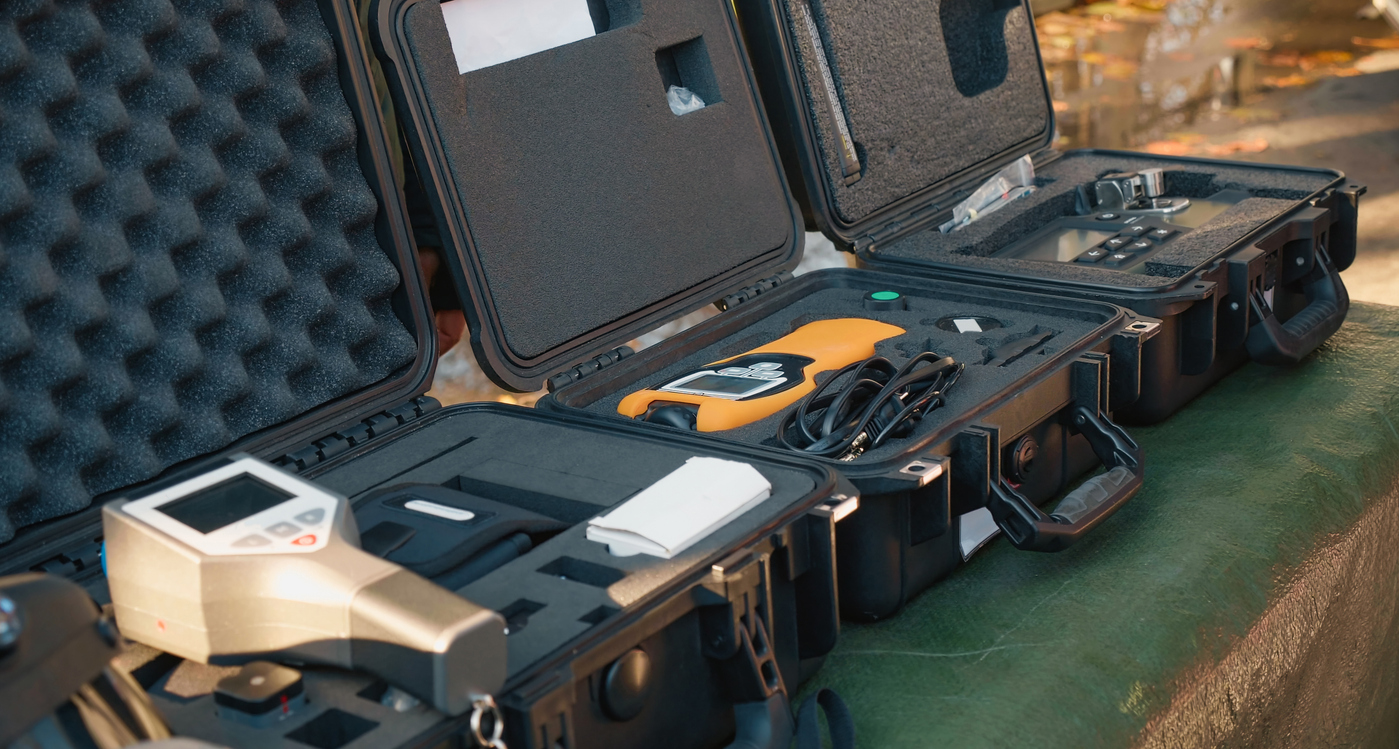
Choosing the Right Climate Controlled Unit in the Twin Cities
Not all storage facilities are equal, and when you’re storing high-value electronics, the details matter. Communities like Eagan, Roseville, and Maplewood experience genuine seasonal temperature extremes, the kind that make heated storage units in the Twin Cities a practical necessity rather than a luxury upgrade.
On sizing, a 5×5 or 5×10 unit typically handles a full digital nomad setup comfortably. Think multiple laptop bags, camera cases, a drone, accessories, and peripheral equipment. If you’re transitioning a full home office into storage, a 10×10 unit gives you room for a desk, monitor stands, filing, and all your tech gear without stacking boxes to the ceiling. Residents in Roseville can also explore our guide on how to choose the right storage unit size in Roseville for more advice in the area.
Finally, visit the facility in person before renting. Walk into the unit, feel the air, and assess whether it actually feels consistently cool and dry. A well-maintained climate controlled unit in Minnesota should feel noticeably different from an outdoor corridor or a standard non-climate unit.
Protect Your Tech Investment With the Right Storage Setup
Sensitive electronics deserve a storage solution that actively maintains a stable environment. The good news is that secure, affordable climate controlled storage in Minneapolis and the surrounding Twin Cities from Acorn Mini Storage® gives remote workers and digital nomads exactly the breathing room they need to move between life chapters without sacrificing their gear.
If you’re new to renting a storage unit or want to make sure you’re asking the right questions, our guide to common self storage questions from new renters is a great place to start. And if you’re ready to find the right unit for your gear, reach out to a local Acorn Mini Storage® team member for a personalized recommendation. We’re happy to walk you through your options and help you find a unit that fits both your gear and your timeline.